
No products in the cart.
Blog
How to Watch VOD on IPTV: Movies & Series Guide
01
Sep
Sep
TL;DR: To watch VOD on IPTV, subscribe to a provider with a large VOD library, install a compatible player like IPTV Smarters or TiviMate on your device, and log in using your M3U link or Xtream Codes. This grants instant, 24/7 access to thousands of movies and TV shows on demand via your internet connection.
Key Takeaways:
- VOD Convenience: Watch movies and series anytime without following a broadcast schedule.
- Device Flexibility: Stream on Smart TVs, Fire Sticks, Android boxes, and mobile devices.
- Cost Efficiency: Access massive libraries (70,000+ titles) for a fraction of cable costs.
- Quality Matters: Reliable providers like Roeya IPTV offer 4K/HD streams with 99.9% uptime.
- Global Content: Enjoy international films and the latest box office releases instantly.
If you’re wondering how to watch VOD on IPTV, it’s likely because your TV viewing is unexciting. Old-fashioned cable is outdated, making you sit through ads and strict programming times. Why pay for hundreds of channels when you only watch a few? You desire flexibility and access to a huge library of entertainment whenever you want.
Imagine having every blockbuster movie and trending TV series ready to play the second you sit down. This is the power of VOD on IPTV. It is a modern, internet-driven way to revolutionize your living room.
Whether you are a movie buff or a casual viewer, learning how to watch VOD on IPTV is the single best upgrade you can give your home setup.
What Exactly IS “VOD on IPTV”? Your Quick-Start Guide
VOD on IPTV refers to Video On Demand content delivered via Internet Protocol Television, allowing users to stream movies and TV shows individually rather than watching a scheduled live broadcast. Unlike traditional cable, this system uses your internet connection to fetch specific media files from a server whenever you press “play,” providing a Netflix-like experience within your IPTV application.
To understand the mechanics, you must look at the two components separately. Video On Demand (VOD) is the ability to choose what you watch and when you watch it.
You can pause, rewind, and fast-forward. Internet Protocol Television (IPTV) is the delivery method. Instead of receiving signals through a satellite dish or a coaxial cable, your television content arrives via your high-speed internet connection.
When these two technologies merge, you get a massive catalog of non-linear content accessible through a single interface.
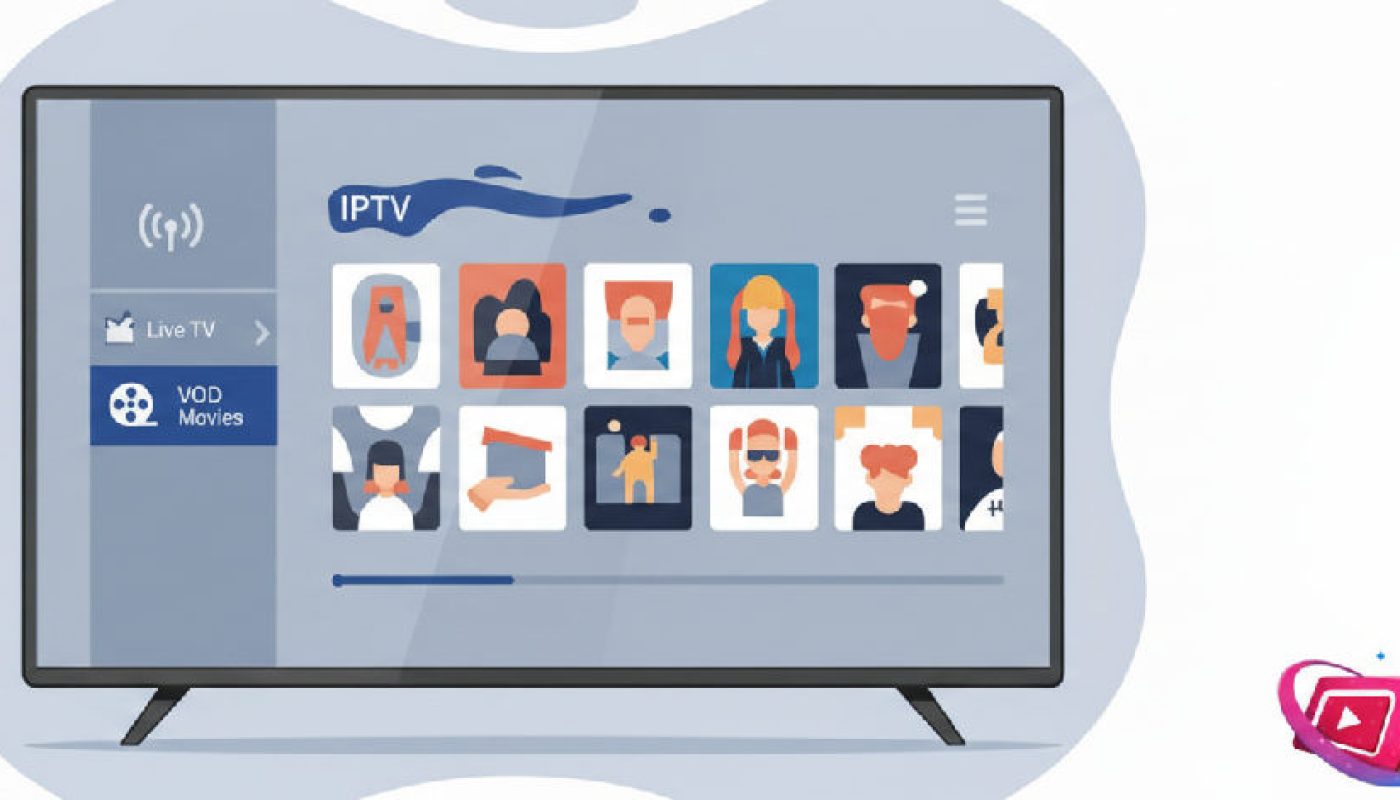
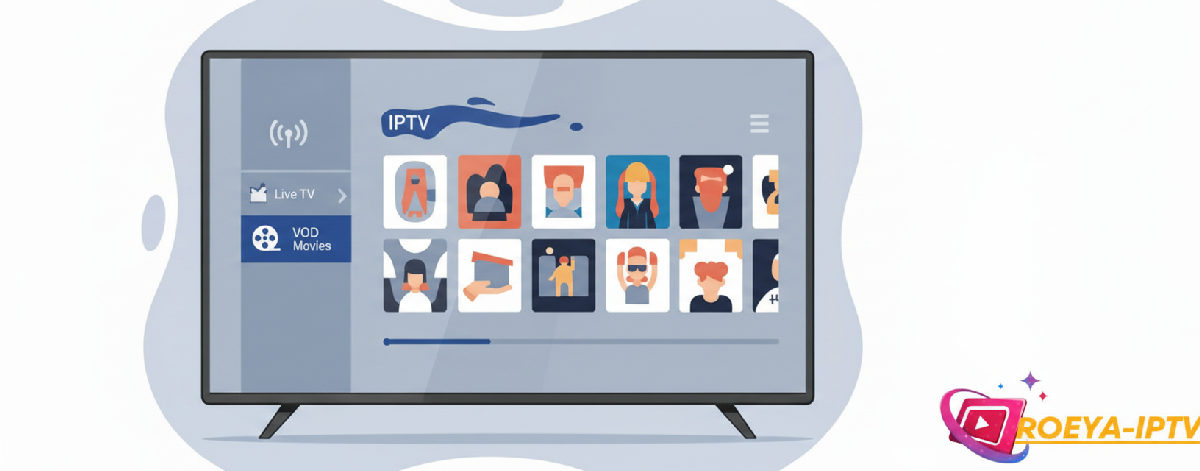
Most modern IPTV subscriptions include a VOD section. When you log into your service, you will typically see categories for “Live TV,” “Movies,” and “Series.” The “Movies” and “Series” sections constitute the VOD library.
Because the files are stored on remote servers, you don’t need to download them to your device’s local storage. As long as you have a stable connection, you can browse thousands of titles and start watching instantly.
This is the core concept that makes IPTV so much more powerful than old-fashioned broadcasting.
Forget Cable Bills: The REAL Reason You Need VOD on IPTV
The primary reason to switch to VOD on IPTV is the combination of massive cost savings and unparalleled content volume, offering over 70,000 VOD titles for a small monthly fee. By eliminating expensive hardware rentals and bloated channel packages, users regain control over their entertainment budget while gaining access to 24/7 global libraries that traditional cable providers simply cannot match.
Cable bills are skyrocketing. In the US, the average household spends over $100 monthly on cable packages filled with filler content. Frustrating, isn’t it? With an iptv avec catalogue vod h24, you get 24/7 access to a library that updates constantly.
You aren’t just paying for the content; you are paying for the convenience of never having to check a TV guide again.
You can watch the latest superhero flick at 3 AM or binge-watch a classic drama series on a rainy Tuesday afternoon without waiting for a marathon broadcast.
Beyond the price, the sheer variety is staggering. A standard cable VOD library might have a few hundred titles, many of which require an extra “per-rental” fee. In contrast, a premium IPTV service provides an all-inclusive experience. You get thousands of titles—from the latest theater releases to niche documentaries—all included in one flat rate. This transition from “paying for access” to “owning the experience” is why millions of users are cutting the cord in 2026.
IPTV VOD vs. Traditional Cable Comparison
| Feature | IPTV VOD | Traditional Cable | Streaming Apps (Netflix/Hulu) |
|---|---|---|---|
| Content Library | 70,000+ Titles | Limited (Hundreds) | 3,000 – 6,000 Titles |
| Monthly Cost | $10 – $20 | $80 – $150 | $15 – $25 (Per App) |
| Device Support | Universal (Any Smart Device) | Proprietary Box Only | Broad but App-Specific |
| Live TV Included? | Yes (21,000+ Channels) | Yes | Rarely (Extra Cost) |
The Secret Weapon: Finding the BEST IPTV Service for VOD
Finding the best IPTV service for VOD requires evaluating server stability, library update frequency, and multi-device compatibility to ensure a buffer-free experience. A high-quality provider must offer a 99.9% uptime guarantee and a diverse range of 4K and HD content, backed by responsive customer support to handle technical queries effectively.
Not all providers are created equal. Some services offer huge libraries but suffer from constant buffering or broken links. This is where quality matters. For instance, 12 MONTH subscriptions often provide the best value, offering over 21,000 live channels and 70,000 VOD titles with consistent server performance. When choosing, you should prioritize services that emphasize stability and variety. You want a service that feels like a professional product, not a hobbyist project.
Roeya IPTV offers a premium IPTV service with a focus on stability, making it a top contender for users in the US and Europe.
They prioritize customer support and broad device compatibility, ensuring that your movie night isn’t interrupted by technical glitches. Look for features like “Xtream Codes” support, which makes setting up your VOD library much easier than manually typing in long M3U URLs.
A service that regularly updates its library with the latest hits is the “secret weapon” for any cord-cutter.
Step-by-Step: Your SIMPLE Path to Watching VOD on IPTV
To watch VOD on IPTV, first choose a compatible device like a Fire Stick or Smart TV, then purchase a subscription from a reliable provider. Install a media player app like IPTV Smarters, enter your Xtream Codes or M3U credentials provided via email, and navigate to the “Movies” or “Series” tab to begin streaming instantly.
The process is incredibly straightforward. Most users can go from “zero” to “streaming” in less than ten minutes. Here is the breakdown:
- Step 1: Choose your device. Most people use an Amazon Fire Stick or a Smart TV. These are affordable and powerful enough to handle 4K VOD streams.
- Step 2: Select your IPTV service. As mentioned, look for a provider with a deep VOD catalog.
A 1 MONTH trial is a great way to test the library before committing to a longer plan.
- Step 3: Get your credentials. After purchasing, you will receive an email with your Username, Password, and Server URL.
- Step 4: Install the app. Go to your device’s app store and search for a meilleure application vod iptv like “IPTV Smarters Pro” or “TiviMate.”
- Step 5: Log in. Enter your details into the app.
Once loaded, you will see a dashboard. Click on “Movies” to browse the VOD content.
Ease of use is a major selling point. You don’t need to be a computer genius to make this work. Modern IPTV apps are designed with a “lean-back” experience in mind, meaning they are easily navigable with a standard TV remote. If you can use Netflix, you can use an IPTV VOD library. The interface is familiar, with posters, descriptions, and categories like “Action,” “Comedy,” and “Recent Additions.”
Your Streaming Arsenal: Devices That Work with IPTV VOD
IPTV VOD works on virtually any internet-connected device, including Smart TVs (Samsung, LG), streaming sticks (Amazon Fire TV, Roku), Android boxes, smartphones (iOS/Android), and desktop computers. This multi-platform compatibility ensures you can access your movie library at home on the big screen or on the go via a mobile app or web browser.

For the best experience, Smart TVs are the top choice. Brands like Samsung (Tizen OS) and LG (webOS) have dedicated IPTV players available in their stores. This setup is the cleanest because it doesn’t require extra wires or remotes.
You just open the app and start watching. If your TV isn’t “smart” enough, or you want a faster interface, a Streaming Stick like the Amazon Fire TV 4K is an excellent, low-cost investment.
It plugs directly into your HDMI port and offers a very snappy user experience.
Don’t forget about your mobile devices. If you travel for work or have a long commute, you can install your IPTV app on your Smartphone or Tablet. This allows you to take your entire VOD catalog with you.
Most premium services allow for multiple connections, meaning your kids can watch a cartoon on the tablet in the backseat while you watch a movie in the living room.
For those who prefer a desktop setup, Windows and Mac users can use VLC Media Player or dedicated IPTV software to stream directly on their monitors.
“The shift toward multi-device streaming has made IPTV the most flexible entertainment solution available. Whether on a phone in a subway or a 75-inch TV at home, the content remains accessible.” — Industry Streaming Report 2025
The “Wow Factor”: What Makes a VOD Library Irresistible
An irresistible VOD library is defined by its ability to offer the derniers films box office iptv france, rapid updates for trending series, and a deep archive of international and classic cinema. High-quality metadata, including movie posters, cast info, and IMDB ratings within the app interface, further enhances the user experience by making content discovery effortless.
The “Wow Factor” really hits when you see the derniers films box office iptv france available just weeks after they hit theaters. You aren’t just getting old reruns; you are getting the biggest hits in high definition. A great library is dynamic.
It changes every week, adding new episodes of trending shows like House of the Dragon or the latest Netflix originals.
This variety ensures that you never run out of things to watch, regardless of how much time you spend in front of the screen.
Genre variety is another critical component. A robust catalog should include specialized sections for Kids, Documentaries, Horror, and even international cinema. For many users in the US, having access to foreign films and series is a huge plus that standard streaming services often lack.
By providing a truly global library, IPTV VOD becomes a window to the world’s entertainment, all accessible from your couch. This is why many people are looking for a best IPTV subscription US to ensure they get the highest quality content available in their region.
Facing Objections: The “What Ifs” of IPTV VOD
Common objections to IPTV VOD, such as concerns over legality, buffering, and setup difficulty, are easily addressed by choosing legitimate providers and maintaining a stable internet connection of at least 25 Mbps. Modern IPTV technology has matured significantly, offering user-friendly interfaces and robust customer support systems that rival traditional telecommunications companies in terms of reliability and ease of use.
One of the most frequent questions is: “Is it difficult to set up?” The answer is a firm no. With the rise of Roeya IPTV multi-device US streaming, the process has become plug-and-play.
If you can download an app and type in a password, you can set up VOD on IPTV. Buffering, another common concern, is usually a result of poor internet or a low-quality server.
By using a premium service that guarantees high uptime, you eliminate the frustration of stuttering playback during the climax of a movie.
Legality is often a gray area in the minds of consumers.
However, when you use a legitimate provider that adheres to service standards, you are simply utilizing a modern delivery protocol for media. Roeya IPTV offers a premium IPTV service with a focus on stability, and they prioritize keeping their users connected and satisfied.
If you ever run into an issue, their 24/7 support is there to help. This level of professional service removes the “fear factor” and makes the transition to IPTV a smooth, worry-free experience.
Beyond Watching: Become an IPTV Reseller (Your New Profit Center!)
The IPTV reseller program allows entrepreneurs to buy streaming credits at wholesale prices and sell them to their own customers, creating a scalable home-based business with high profit margins. By leveraging existing infrastructure from top-tier providers, resellers can offer VOD and live TV services without needing to maintain their own servers or technical hardware.
The demand for high-quality VOD content is exploding. Thousands of people are looking for a way to save money on their TV bills every single day. This creates a massive opportunity for you.
By joining a Roeya IPTV reseller program US, you can start your own business with very low overhead. You don’t need to be a technical genius; the provider handles the servers, the content updates, and the infrastructure.
Your job is simply to find customers and provide them with their subscription details.
This is a “business in a box.” You get access to a management panel where you can create accounts, manage renewals, and even offer free trials to potential clients. Because you are buying in bulk using an iptv reseller credit system, your profit margins can be significant. It’s a great way to earn passive income or even build a full-time career in the digital entertainment space. You provide the solution (affordable, high-quality TV), and they provide the demand.
Your Entertainment Revolution Starts NOW.
You have the roadmap. You know that how to watch VOD on IPTV is not just a technical process, but a lifestyle upgrade. You can ditch the $150 cable bill, ignore the rigid TV schedules, and dive into a library of 70,000+ titles whenever you want. The world of entertainment has changed, and it is now more accessible and affordable than ever before.
Stop settling for “whatever is on.” Start choosing what you want to watch. Whether you want to enjoy the latest blockbusters or start your own business as a reseller, the opportunity is right in front of you. Choose a proven provider, set up your device, and start streaming. Your future of unlimited, high-quality entertainment is just a few clicks away. Add to cart, choose your plan, and join the revolution today.
Frequently Asked Questions
How much internet speed do I need for IPTV VOD?
For a smooth experience without buffering, you generally need at least 10-15 Mbps for High Definition (HD) content. If you want to watch in 4K Ultra HD, we recommend a stable connection of at least 25-50 Mbps. Most modern US households meet these requirements easily.
Can I watch IPTV VOD on more than one device?
Yes, most premium subscriptions allow for multiple simultaneous connections. This means you can have the VOD library active on your living room TV while someone else watches a different movie on a tablet or smartphone. Always check your specific plan for the number of allowed connections.
Is the VOD library updated frequently?
Absolutely. Top-tier providers update their VOD catalogs weekly, and sometimes even daily. They add the latest theater releases, new episodes of currently airing TV shows, and trending series from various streaming platforms to ensure the content remains fresh and exciting.
Do I need a special box to watch VOD on IPTV?
No special proprietary hardware is required. You can use an Amazon Fire Stick, an Android Box, or even just a Smart TV with the right app installed. This flexibility is one of the main advantages of IPTV over traditional cable or satellite services.
What happens if the service stops working?
Reliable providers like Roeya IPTV offer 99.9% uptime and 24/7 customer support. If you experience an issue, you can usually resolve it by restarting your app or contacting support for a quick refresh of your credentials. Stability is a hallmark of a premium service.
Can I try the VOD service before buying a long-term plan?
Yes, most reputable providers offer a short-term trial or a 1-month “Basic Server” option. This allows you to browse the full VOD library, check the streaming quality, and ensure the app works perfectly on your chosen device before committing to a 12-month subscription.
Related read: best IPTV subscription for 4K streaming.
Be the first to review | Related products | Add to cart

Pingback: Sind IPTV Dienste Legal Und Seriös? Check & Facts - Roeya-iptv.com
Pingback: Best 4K IPTV Service For Movies USA - Ultimate Guide - Roeya-iptv.com